
How AI Automation Is Rewriting the Rules of Video Creation

AI Video Automation is rapidly changing the way businesses, marketers, and content creators produce video content. What once required large production teams, expensive equipment, and weeks of editing can now be accomplished in a fraction of the time using artificial intelligence. From automated editing and script generation to voiceovers and motion graphics, AI Video Automation is making professional-quality video production more accessible than ever.
Let’s face it—video editing has always been a bit of a love-hate relationship. We love the magic of a perfectly timed cut, the emotional punch of a great scene, and the thrill of watching a story come together. But the endless hours spent syncing audio, hunting for that one perfect B-roll clip, and manually masking out a background? Not so much.
Historically, editing has been an asymmetric battle against time, with creators and pros spending up to 80% of their day on mechanical grunt work. But a massive shift is happening. AI Video Automation isn’t here to steal your job or replace your artistic eye; it’s here to take over the boring, repetitive tasks so you can focus entirely on the fun, creative stuff. Whether you are a beginner making your first YouTube video or a seasoned pro cutting a feature film, the future of editing belongs to a collaborative partnership between human empathy and machine speed.
The Modern AI Video Editing Ecosystem

Here are six game-changing AI Video Automation functions redefining post-production, the software leading the charge, and why they completely beat old-school manual editing.
| AI Function | Software Leaders |
| Smart Logging & Searchable Footage Adaptive & Text-Based Editing Auto-Reframing Audio Intelligence AI Coloring & Visual Enhancement AI-Generated B-Roll | Adobe Premiere Pro, DaVinci Resolve, Avid Descript, Adobe Premiere Pro, CapCut Adobe Premiere Pro, CapCut, Final Cut Pro DaVinci Resolve, Adobe Premiere Pro, FCP, Avid DaVinci Resolve, Runway Gen-3 Runway Gen-3, OpenAI Sora, Pika |
1. Smart AI Footage Organizer: Stop Scrubbing, Start Searching
- Software Leaders: Adobe Premiere Pro, Blackmagic Design DaVinci Resolve, Avid Media Composer
- The Manual Burden: Traditionally, pro assistants and indie creators spent hours scrubbing through hundreds of gigabytes of raw footage to manually tag clips, log metadata, and group shots into neat bins.
- The AI Advantage: AI uses computer vision and natural language processing to automatically scan, index, and organize your files the second you import them. Want to find a shot of a “red sports car driving down a rainy street at sunset”? Instead of hunting for it across ten different folders, you just type it into a search bar. The AI populates a bin with the exact match in milliseconds. It can even use facial recognition to sort clips by specific actors, completely removing the headache of project organization.
2. Text Based Video Editing: Edit Video Like a Word Document
- Software Leaders: Descript, Adobe Premiere Pro, CapCut, DaVinci Resolve
- The Manual Burden: Trimming interviews used to mean listening to the exact same sentence five times to find where the speaker stuttered, then slicing up the timeline and ripple-deleting the gaps.
- The AI Advantage: Adaptive editing allows the software to understand the actual narrative and spoken word. Text-based editing transcribes your audio into a text document that controls the video timeline. Delete a word, phrase, or filler word (“um”, “uh”) in the transcript, and the software perfectly slices the video track instantly. Some adaptive tools also automatically suggest alternative pacing structures based on target platform metrics, taking the guesswork out of the initial rough cut.
3. Auto Reframe Tools: Instant Social Media Video Automation
- Software Leaders: Adobe Premiere Pro (Auto Reframe), CapCut, Apple Final Cut Pro (Smart Conform)
- The Manual Burden: Taking a standard horizontal 16:9 cinematic video and turning it into a vertical 9:16 layout for TikTok or Instagram Reels used to mean frame-by-frame keyframing to make sure the subject stayed in the middle of the screen.
- The AI Advantage: The software automatically identifies the most active or critical subject in the frame and tracks them smoothly as it crops the video. Instead of an editor spending hours resetting positions for a multi-clip sequence, the AI handles the conversion across entire timelines in seconds, keeping everything perfectly centered and ready for social distribution.
4. AI Background Noise Removal: Get Studio Quality Sound Instantly
- Software Leaders: DaVinci Resolve (Voice Isolation), Adobe Premiere Pro (Enhance Speech), Apple Final Cut Pro, Avid Media Composer (AI Audio Tools)
- The Manual Burden: Cleaning up terrible audio—like wind howling over a microphone, traffic noise, or room echo—demanded expensive third-party plugins, complex noise gates, and hours of tedious audio engineering that often still left the clip sounding robotic.
- The AI Advantage: Advanced neural networks can completely separate human speech from background clutter. With a single click or slider, you can isolate dialogue and wipe away the roar of an airplane overhead, giving an iPhone recording the pristine clarity of a professional, soundproof studio booth. It levels out erratic volume spikes automatically, ensuring crisp vocals without destroying the natural tone of the voice.
5. AI Coloring and Visual Enhancement: Build a Cohesive Look Instantly
- Software Leaders: DaVinci Resolve (Magic Mask & Color Match), Runway (Inpainting & Upscaling)
- The Manual Burden: Color matching two different camera sensors, drawing precise “power windows” (rotoscope masks) around a moving face to brighten their eyes, or paint-cloning out an unwanted trash can in the background took days of meticulous, pixel-by-pixel labor.
- The AI Advantage: AI coloring tools can match the color profiles of completely different cameras instantly to build a cohesive look. With neural filters like Magic Mask, you can draw a single brush stroke over a person, and the AI tracks them flawlessly through 3D space, allowing you to light or isolate them with zero frame-by-frame masking. Got an ugly blemish or an annoying background object? AI inpainting fills in the missing pixels seamlessly, saving hours of visual effects work.
6. Custom B-Roll on Demand: Smarter AI Stock Footage Alternative for Creators
- Software Leaders: Runway (Gen-3 Alpha), OpenAI Sora, Pika
- The Manual Burden: When a video needed a specific placeholder or illustrative cutaway shot, editors were forced to scroll endlessly through generic, expensive stock footage websites, or spend valuable time and money shooting pick-up shots themselves.
- The AI Advantage: Text-to-video engines allow editors to dream up and generate highly specific, cinematic visual assets on demand right inside their workspace. If you need a hyper-realistic close-up of an astronaut walking through a neon-lit cyber-punk market, or an abstract canvas of morphing liquid gold to match a music video, you type it out. The AI renders a custom high-definition clip in moments. This bridges the gap between what is in the editor’s head and what exists in the project bins, entirely replacing standard, uninspired stock footage.
The Creative Renaissance: Human vs. Machine
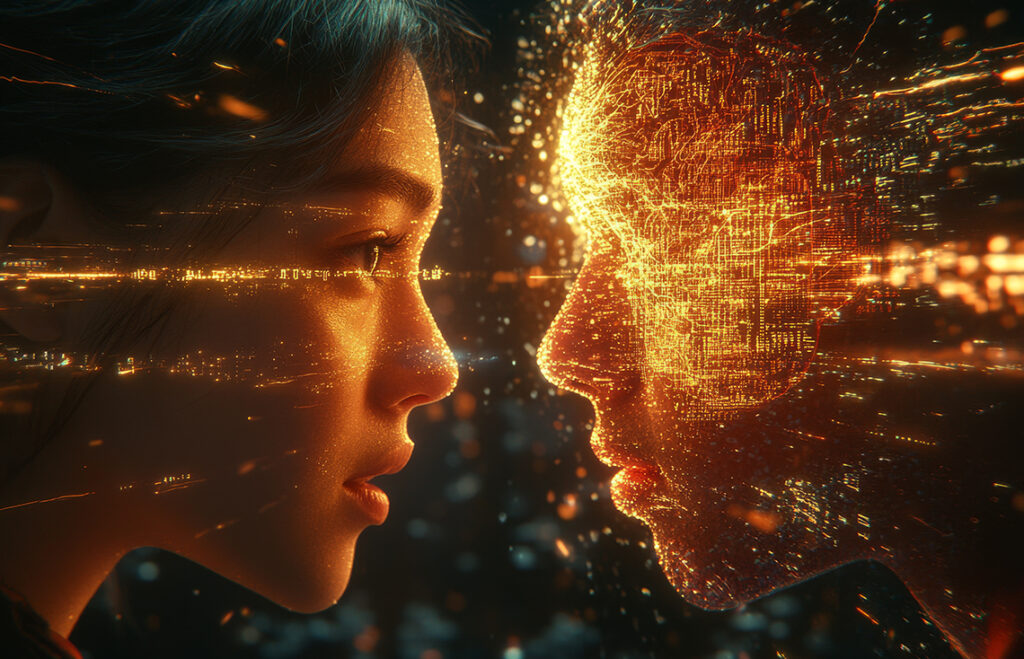
With algorithms handling everything from color matching to audio cleaning, a big question pops up: if an AI Video Automation can assemble a video, what’s left for the human editor?
Everything that actually matters.
There is a massive difference between video assembly and cinematic storytelling. A computer can match a beat, align an audio track, and find a smile in a clip. What it cannot do is understand nuance, irony, cultural context, or the raw emotional impact of a heavy silence. The true magic of editing lives in the unquantifiable choices—like holding onto a character’s face for just two seconds longer to emphasize their grief, or cutting away early to subvert an expectation. These choices require empathy and human experience, things data streams can’t mimic.
Rather than taking over, AI Video Automation lowers the technical barrier to entry for beginners and supercharges the workflow for pros. It shifts the editor’s main currency from physical speed to conceptual taste. Instead of wasting an entire afternoon manually restructuring a sequence just to see if a flashback works better at the start of a video rather than the end, you can ask an AI Video Automation assistant to mock up three structural variations in seconds. You get to play, prototype, and experiment with emotion and pacing at speeds never before possible.
The Future Job Market for Video Editors
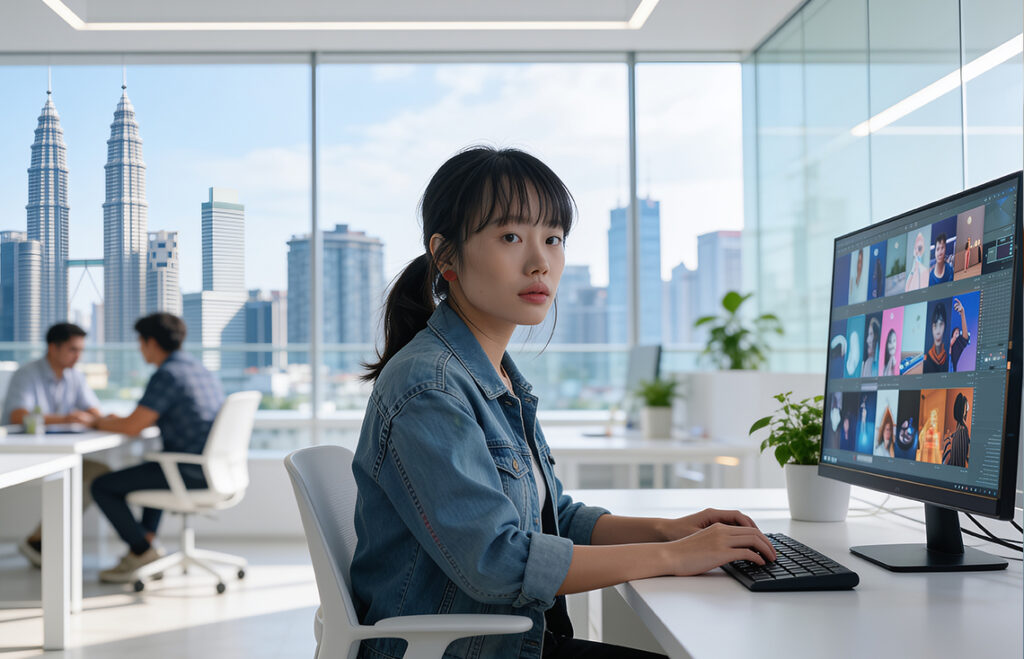
So, what does this mean for your career? The rise of automation is causing a shift in the video editing job market, changing the responsibilities of traditional roles. Entry-level technical roles—like standard logging, fundamental audio cleaning, and basic social media resizing—are being completely automated. Junior editors can no longer rely solely on basic technical proficiency to secure a job. Instead, success in the modern market requires adapting from a manual clicker into a creative director of AI Video Automation systems.
The industry demand for editors who can rapidly prototype and handle high-volume workflows is booming. Companies no longer want an editor who takes three days to put together a rough cut; they want a storyteller who uses AI Video Automation to generate three layout variations in thirty minutes, spending the remaining time polishing the emotional narrative. By mastering these automated tools, freelance creators can offer incredibly fast turnaround times and take on more clients without burning out. In contrast, studio professionals can focus on big-picture creative direction. The future job market belongs to the multi-skilled editor who understands that AI Video Automation is a tool, not a replacement. Your taste, vision, and empathy are your greatest assets—AI Video Automation is just the engine that helps you build them faster.