
AI Video Editors Explained: Features and Best For
An AI video editor is designed to streamline the video production process by automating technical tasks and accelerating content creation. Instead of relying on large teams and long editing timelines, AI-powered editing tools allow creative teams to produce more videos efficiently while maintaining consistent quality and brand standards across all content.
The Benefits of an AI Video Editor
AI video editors make video production faster and more efficient by automating time-consuming tasks like trimming pauses, cleaning audio, generating captions, and applying consistent visuals. They help maintain professional quality across multiple videos while reducing the need for manual editing.
Beyond basic editing, AI tools can also analyze content, suggest enhancements, and even create videos from simple prompts. This allows teams and creators to produce more content in less time, scale their production easily, and focus more on creativity and storytelling rather than technical work.
The AI Video Editors That We Use
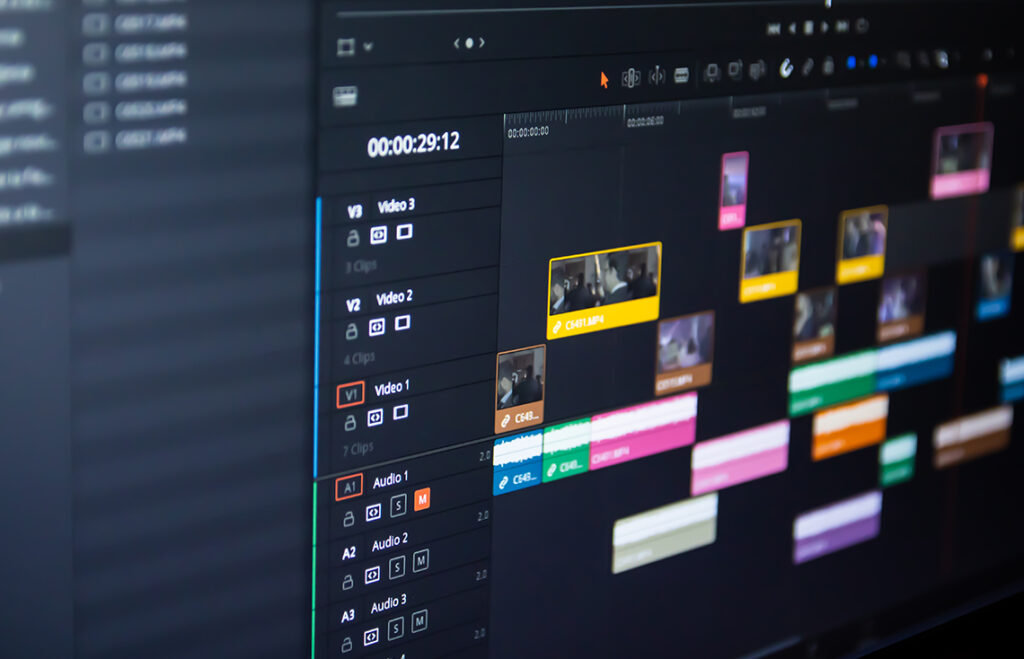
Modern AI video editors come equipped with diverse features—ranging from transcript-based editing to generative visuals and social media–optimized templates. Designed for creators, marketers, and educators alike, these tools automate time-consuming editing work and significantly improve production speed and efficiency.
Here’s a closer look at some of the leading AI video editors that we use in our creative studio, highlighting what each one does exceptionally well:
1. Canva
Best for: Quick social media content and beginner-friendly video creation
Canva is a versatile, web-based design platform that makes video creation simple and accessible. Its AI-powered features, such as Magic Design, can automatically generate a video draft from images, clips, and text prompts, complete with captions, transitions, and background music. This makes it ideal for creating short-form content like social media posts, promotional videos, and quick visual presentations.
While Canva excels in speed and ease of use, it is better suited for visually driven content rather than dialogue-heavy editing workflows.
2. Clipchamp
Best for: Beginners and small teams producing social media videos
Clipchamp is a user-friendly, browser-based video editor that combines simplicity with practical AI tools. It helps automate common editing tasks such as removing background noise, trimming silences, generating captions, and converting text into voiceovers. The platform also offers templates and automated video assembly features, making it easy to create content quickly without advanced editing skills.
One of Clipchamp’s key advantages is its generous free plan, which includes many AI features and allows watermark-free exports, making it a strong starting point for new creators and businesses.
3. Renderforest
Best for: Creating explainer videos, promos, and branded content quickly
Renderforest uses a prompt-driven workflow to turn ideas or scripts into complete videos. Users can generate animated or realistic visuals, add voiceovers, and customize scenes directly in the browser. The platform offers ready-made templates and branding tools, allowing teams to produce professional-looking content efficiently, even with limited editing experience.
This makes Renderforest particularly useful for marketing teams, educators, and businesses working under tight deadlines.
4. CapCut
Best for: Social media creators and mobile-first video editing
CapCut is a popular, lightweight video editor widely used for short-form content on platforms like TikTok and Instagram. It includes AI-powered tools for audio enhancement, background noise removal, and voice isolation, allowing creators to separate vocals from music or improve sound clarity quickly.
Its simplicity, speed, and strong mobile support make it a go-to choice for creators who need fast editing and flexible content production on the go.
5. DaVinci Resolve
Best for: Professional editing and cinematic-quality production
DaVinci Resolve is a professional-grade video editor known for its advanced post-production capabilities. Its AI tools, such as Music Remixer and Relight, allow editors to adjust audio elements or modify lighting conditions after filming. These features enable precise creative control and help achieve a polished, cinematic finish without reshooting footage.
The software offers a powerful free version, making it accessible for both aspiring and experienced editors.
6. Final Cut Pro
Best for: High-end video production
Final Cut Pro is a professional editing platform designed for advanced workflows and high-performance video production. Its AI-powered Magnetic Mask feature can isolate moving subjects from the background, enabling dynamic visual effects and complex scene transitions that traditionally require detailed manual work.
This capability opens up creative possibilities for filmmakers, content creators, and production teams aiming to produce cinematic-quality visuals.
Choosing the Right AI Video Editor for Your Workflow
AI video editors have transformed the way creators, marketers, and businesses produce content, making professional-quality video creation faster, more accessible, and more scalable than ever before.
Whether you need a simple tool like Canva or Clipchamp for quick social media content, a versatile platform like CapCut or Renderforest for marketing campaigns, or professional-grade software such as DaVinci Resolve and Final Cut Pro for cinematic productions, there is an AI video editor to suit every workflow and skill level. By choosing the right tool for your needs, you can reduce editing time, increase content output, and focus on what matters most—creating engaging stories that connect with your audience.
As AI technology continues to evolve, these tools will only become more powerful, helping businesses and creators stay competitive in an increasingly video-driven world.